
Circle Profile Picture Maker, Free Circle Crop Image Online
Free circle profile picture maker. Upload a photo, crop it round, add a border, and export PNG or JPG.
Free Circle Profile Picture Make, Create a Round Profile Picture Online
Profile Circle is a free circle photo maker. It turns any photo into a clean, round profile picture with a custom border. Upload your image, drag and zoom until your face is centered, choose a border color, and export a PNG or JPG. It all happens in your browser, so your photo stays on your device.
How to Make a Circle Profile Picture
- Upload a JPG, PNG or WEBP photo.
- Adjust by dragging the photo and zooming. Scroll or pinch also works.
- Customize the border color and thickness.
- Save your design in this browser, then export a PNG or JPG.
Circle Crop Image Online, Without the Hassle
Need a quick circle crop image online? Profile Circle gives you a perfect circle in seconds. There is no software to install and no sign-up. A round profile picture looks neat and modern on almost every platform.
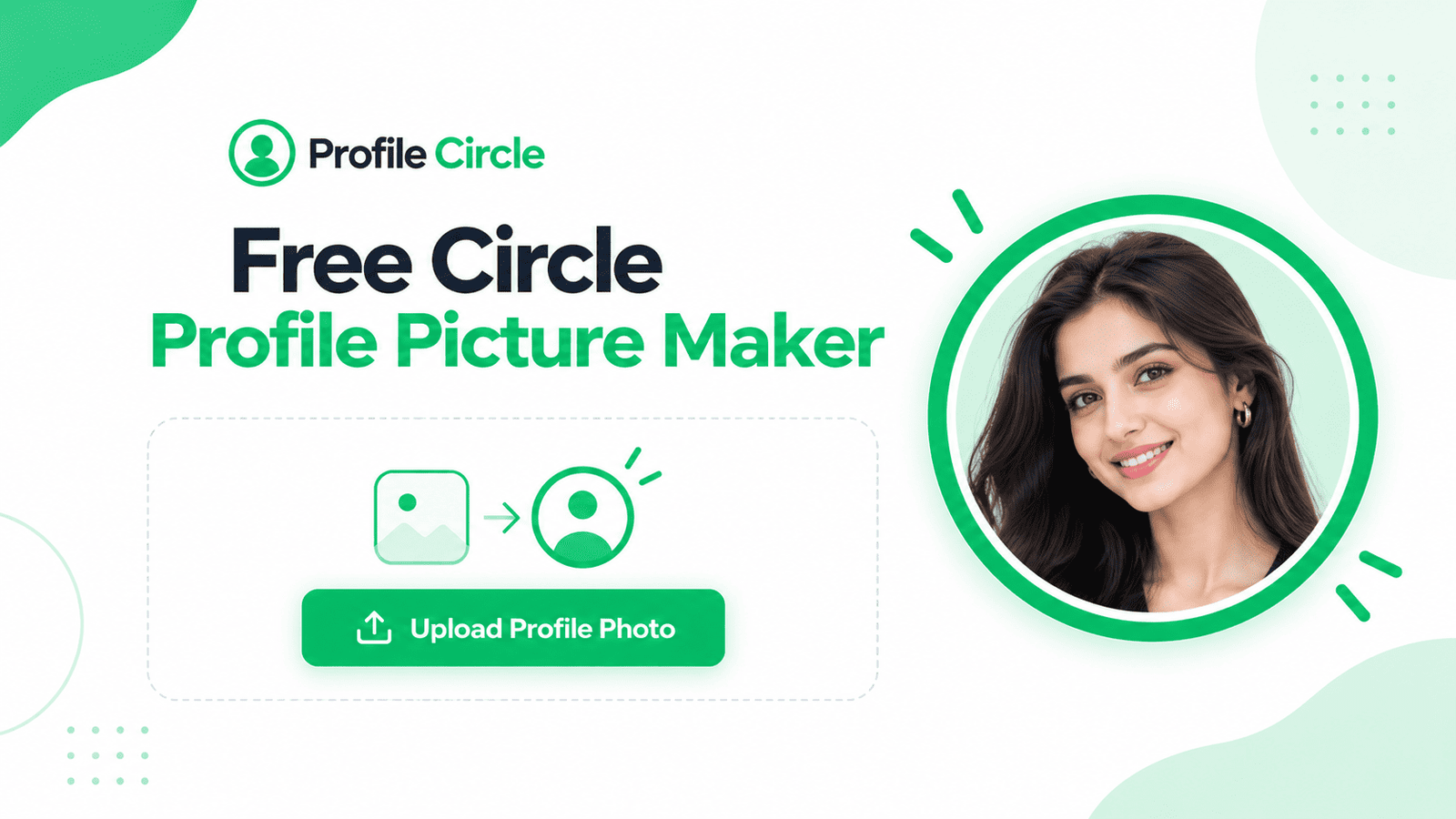
Add a Profile Picture Border That Stands Out
A profile picture border makes your photo easier to notice in a small circle. You can pick any color and set the thickness yourself. Popular choices:
- Green circle around a profile picture: a bright look similar to the WhatsApp profile circle style.
- Blue circle around a profile picture: a clean, trusted look, often searched for by Messenger users.
- White or brand-color border: simple and professional for business use.
Note: Profile Circle adds a decorative border to your image. It does not change any status ring that an app shows itself.
Make the Right Profile Picture for Every Platform
- Instagram profile: center your face so it stays visible in the round frame.
- Facebook: a circle profile picture looks sharp in comments and chats.
- LinkedIn: a round photo with a thin border looks professional.
- TikTok: a bold border helps your profile stand out.
- WhatsApp: make a clear profile circle with a green border.
- Google Business Profile: use a round logo or owner photo to look trustworthy.
Tips for a Better Round Face Photo
- Use a bright, clear photo with good light.
- Keep your round face centered, with a little space around your head.
- Zoom in slightly so your face fills most of the circle.
- Use a border color that contrasts with your background.
Why Choose Profile Circle?
- Free: use the circle profile picture maker without paying.
- Private: your photo is processed in your browser.
- Easy: four simple steps, ready for beginners.
- Flexible: a circle photo frame online editor with adjustable border color and thickness.
- Ready to share: export your profile circle as a PNG or JPG. It also works as a profile circle icon or beside a post image.